 Invoice Creator
Since version 2.10.69, Invoice Creator is available in 104 languages (previously 11) – from Afrikaans to Arabic, Chinese and Hindi to Zulu. There is now a single installer for all languages; you choose the program language in the program itself.
1. Installation and update
Download the installer rv_install_V2.10.69.exe. It first asks for the installation language (texts of the installer, name in the Start menu and on the desktop). An existing installation is updated and your data is kept. If you previously installed a language version (for example the English one), the update keeps the same program folder and your current program language.
2. Language selection at the first start
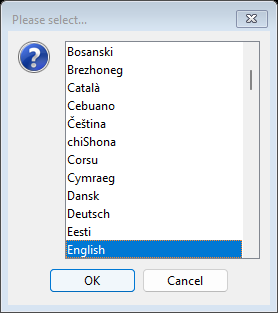
At the first start the program shows the list of all 104 languages, each with its own name and sorted alphabetically: first the languages in Latin script (Afrikaans, Bahasa Indonesia, … Dansk, Deutsch, English …), followed by Greek, Cyrillic, Armenian, Hebrew, Arabic, the Indian scripts, Thai, Chinese, Japanese and Korean. Your Windows language is preselected. Select the language you want and confirm with “OK”. The choice is saved; afterwards the program starts directly in this language.
3. Switching the language later
You can choose another language at any time via the “Language” menu. Because of the many entries, the menu is divided into submenus named after their first and last language. After your selection the program saves the new language and asks you to restart it.
4. Arabic, Persian, Urdu and Hebrew
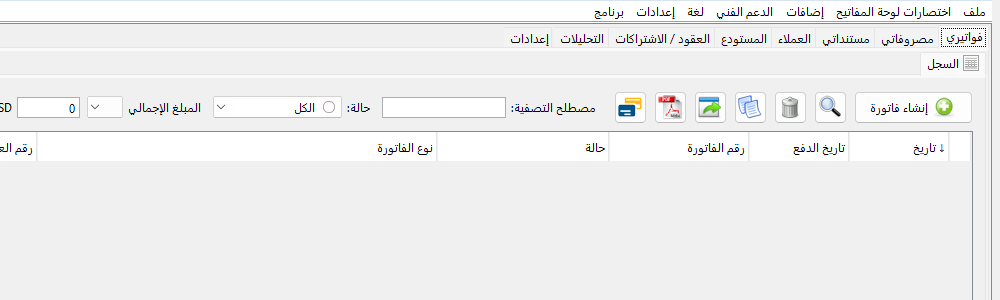
These four languages are written from right to left. The user interface is mirrored accordingly: menus, tabs, buttons and table columns start at the right edge.
5. Fonts, dates and numbers
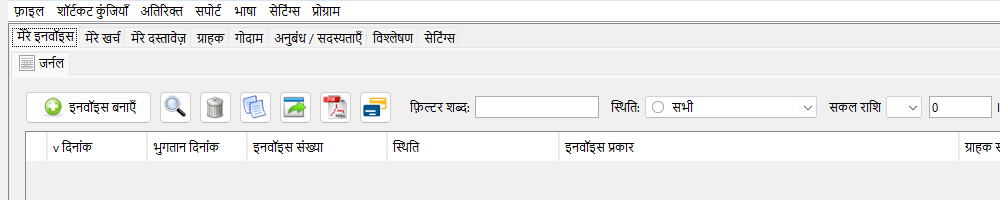
For languages with their own script such as Hindi, Bengali, Tamil, Thai, Khmer, Georgian or Amharic, the program automatically chooses a Windows font that can display all characters. Dates and amounts are written with the digits 0–9 in all languages, so that invoice numbers and amounts stay unambiguous.
6. Invoices as PDF
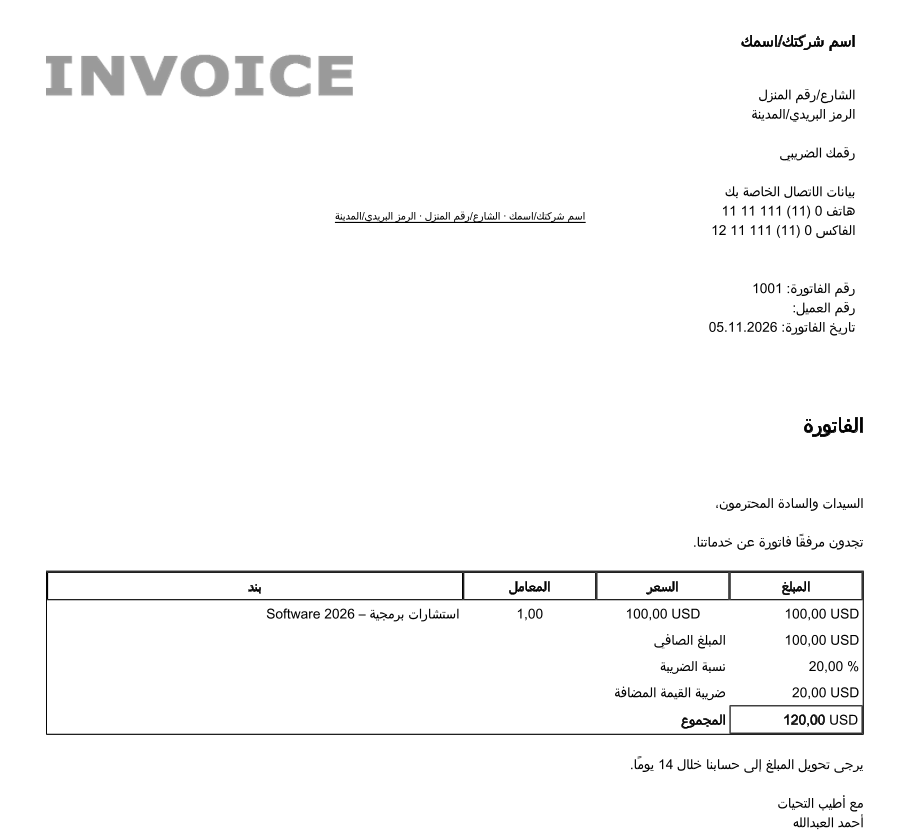
PDF invoices are typeset correctly in all languages as well: Arabic letters are joined and written from right to left, Indian scripts get their ligatures. For Khmer, Burmese, Sinhala, Amharic and Bengali the program includes its own fonts (Noto, SIL Open Font License). Numbers, amounts, phone numbers and Latin names stay readable in Arabic lines, too. ZUGFeRD invoices (see tutorial 10) remain valid PDF/A‑3 files.
7. Notes
The texts of the new languages have been newly translated. If a term seems wrong or unsuitable to you, please let us know in the forum or via a support ticket – with the language and the place in the program.
Comments
There are no comments yet.